

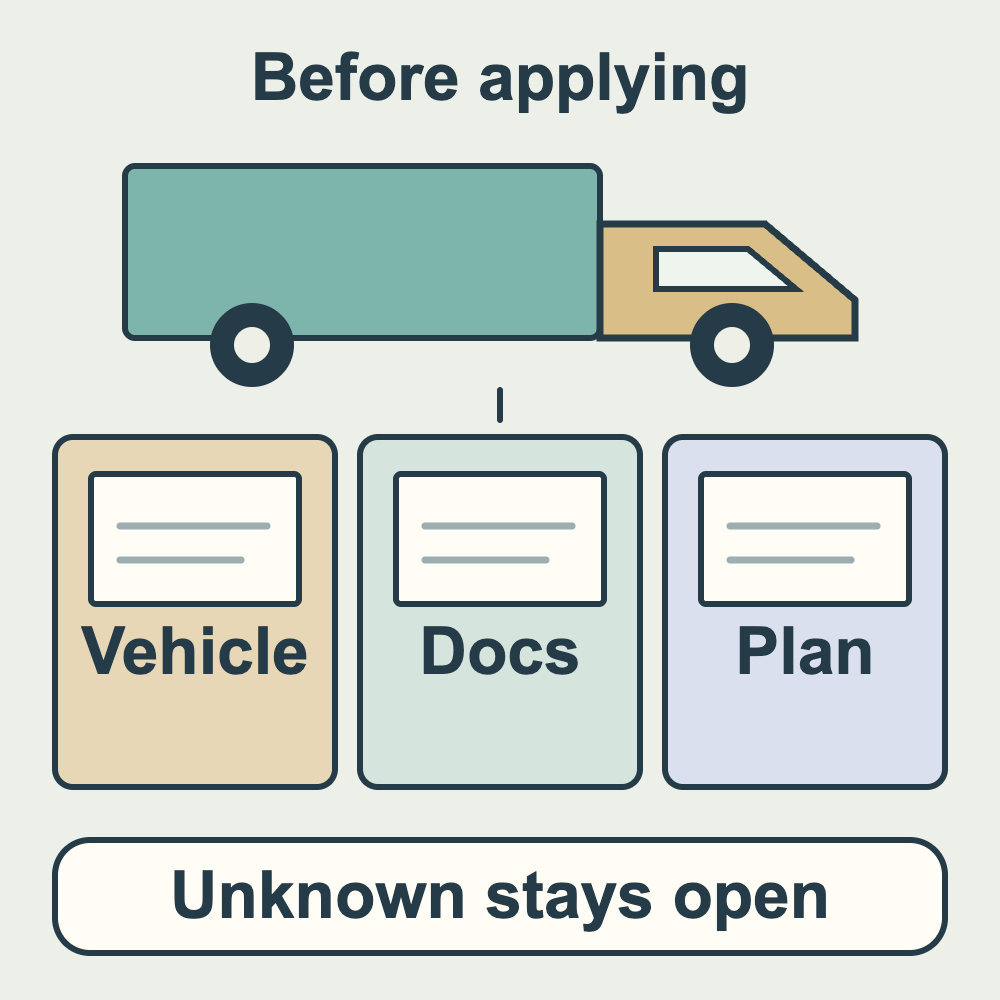
Lalamove’s on-demand logistics deliveries are not the same as a food-only delivery service. Before applying, write down your vehicle type, service city and the kinds of items you are willing to carry, then compare them with the application screen. Another vehicle’s document list or someone else’s payment screenshot does not establish your own application requirements.
This article checked the saved text of the official Lalamove Taiwan driver-partner page, in Traditional Chinese on 23 October 2026. It describes the sequence as the app, city and vehicle, training, documents, payment and a verification text message. The limited-time NT$179 motorcycle option without bags and the NT$1,399 option with large and small bags are separate plans. Walking, bicycle and micro electric two-wheeler options were marked as limited to northern Taiwan. The motorcycle section lists a motorcycle licence; the truck section separately lists a professional driving licence and vehicle documents. The page contains both “immediate” promotional wording and a D+3 working-day verification notice; neither establishes your personal activation deadline. This is the date the saved page information was checked, not an offer deadline or your review result.
Make a private application card: application city __; vehicle type __; own vehicle or another arrangement __; items you intend to carry __; points still uncertain __. This is an editorial preparation tool, not a platform approval document. If your vehicle or area is absent from the application screen, leave it unconfirmed rather than choosing a similar option just to continue.
Check documents for the vehicle you actually selected. Copy each document name requested on screen and mark it as ready, inconsistent details, not yet obtained or unconfirmed. Then compare names, vehicle information and validity periods with your own application. A motorcycle applicant should not copy the truck list; a truck applicant should not assume vehicle documents are unnecessary because the motorcycle list is shorter. This article does not determine your licence, residence, work-permit or tax-withholding eligibility. Take those questions to an appropriate contact and do not post complete identity documents in public comments.
Before payment, make a separate plan card: date seen __; plan name or page section __; applicable city and vehicle __; whether bags are included and which ones __; displayed total __; other amounts still payable __; offer period and whether you qualify __. For plans with and without bags, do not compare only the headline prices or combine fees, vouchers and later purchases into an invented third plan. If the deadline, total or personal eligibility is missing, mark it for confirmation. This article does not supply a missing date or choose bags or a rental vehicle for you.
Before paying, you can prepare this question: “I am applying in __ with a __ vehicle. The plan I see is called __. Please help confirm what the total includes, whether it applies to me, and which fee-handling terms I should read if my information is not verified or I do not continue the application.” This is an editorial example, not a refund promise or confirmation of eligibility. Keep your question, the contact’s name, reply date and original answer. An unanswered field remains unknown.
Record each step separately: account created, training pending, documents submitted, additional documents requested, fees awaiting confirmation or paid, and verification notice awaited. These are private tracking labels, not fixed app-menu options. Keep the application date, submission records and platform notices. A successful payment or promotional wording does not mean approved. If no notice arrives, check the contact details you entered and the actual application status, then ask through the original application channel with your records. Do not pay repeatedly to test whether activation will occur.
Before actually accepting a delivery, ask three more questions: Can I secure and safely handle this kind of item? Is the collection and handover information sufficient? Can I allow enough time to finish this trip? If any answer is still unknown, do not treat that uncertainty as readiness to accept. An activated account and the suitability of a particular trip are separate questions. This article contains no trial-delivery records, order-volume findings or income guarantee.
If you are still comparing platforms, use the three-platform comparison article to organise your circumstances and costs. It does not replace the individual review of this Lalamove application. Find other application-preparation topics in the general delivery category.