

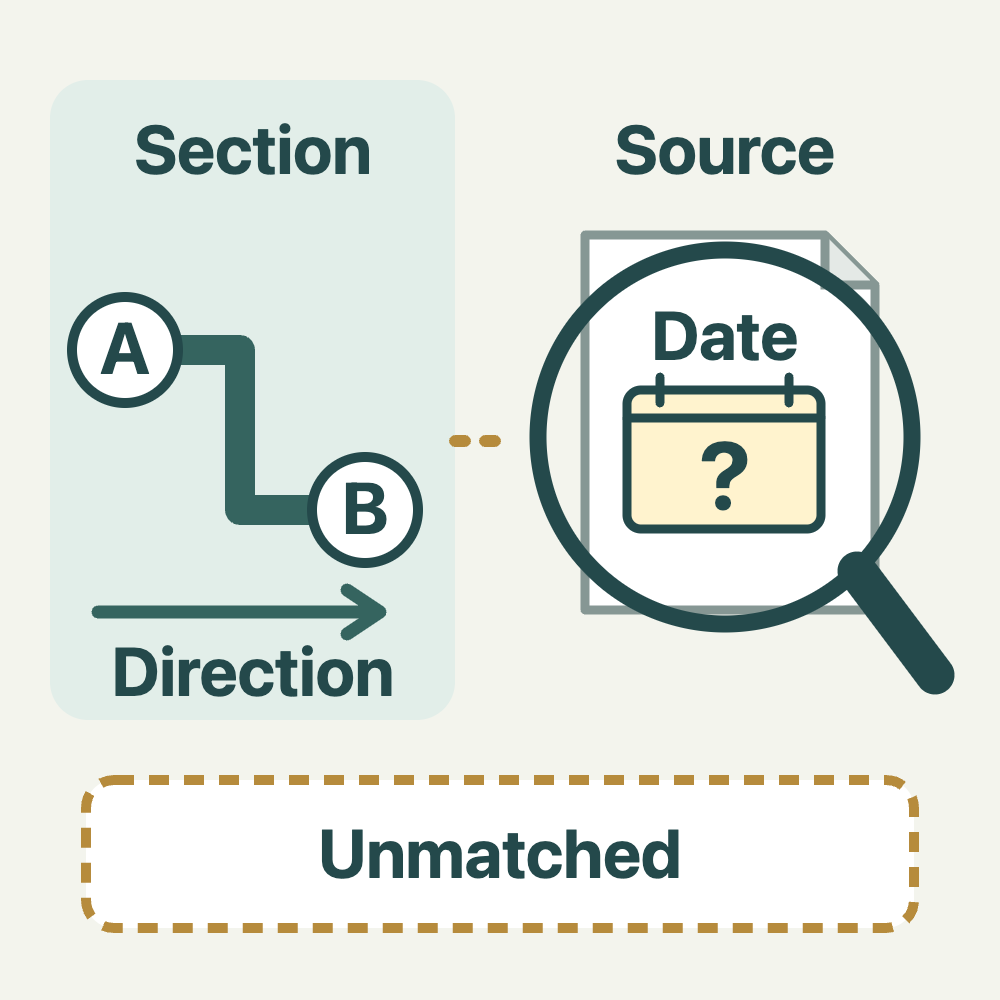
When you see an equipment name, a map alert or a group message, first identify whether it describes a road speed limit, a fixed installation or someone’s observation on one occasion. These are different kinds of information. Keep a section-and-source record that separates what you have read before departure, locations you cannot yet match and questions to check next.
Article 93 of Taiwan’s Road Traffic Safety Rules bases driving speed on speed-limit signs or markings and separately requires slowing in conditions such as roadworks or rain and fog. Research does not let you choose a convenient speed, and a posted limit is not a target that is safe in every condition. This article does not determine the applicable limit for an individual section.
Start with the county or city, road name, identifiable start and end points and your own direction of travel. Record a particular lane or branch separately when needed. A landmark or map pin alone does not establish that records for a similarly named road, the opposite direction or an adjacent lane belong together. Mark an unresolved location or direction as needing confirmation.
Give each source its own row: provider or publisher, original page URL, time you viewed it, the date shown on the page and what it actually says. Keep legislation, equipment records, app alerts and forwarded screenshots in separate source categories. If a date is absent, record that; if the original URL is missing, leave the source unverified. Do not supply today’s date or an official-confirmation label yourself.
For example, the government open-data page for Chiayi County Police Bureau’s fixed speed-camera dataset lists location, camera direction, speed limit and responsible unit, with an irregular update frequency. It illustrates fields and update information here; individual locations have not been checked against current conditions. One county’s fixed installations are not a nationwide, mobile-camera or live-enforcement list.
Match the road section first, then retain both your direction of travel and the original name of any direction field. Do not silently rename a camera-direction field as vehicle travel direction. If its meaning is unclear, keep the original wording and ask the provider how to interpret it. Record speed limits, enforcement categories and notes separately; one number does not establish applicability to every lane and time.
When information is missing or conflicting, retain each statement and location. Do not select the larger, smaller or apparently newer number as a legal conclusion. An installation absent from one source means only that you did not find it there, not that enforcement is absent, speeding is permitted or no ticket can follow. An app display or another person’s experience cannot supply missing conditions.
A fictional record might concern travelling from junction A to junction B on Road X. One source gives only a landmark, while another includes camera direction; whether they refer to the same section is unresolved. Keep two rows and mark the match unresolved rather than guessing a limit. Questions could be: Which side and travel direction does this field describe? How can the coverage and version be confirmed? These are question templates, not replies already received.
Look up and record information before departure or after parking appropriately and switching off the engine. The phone-use reminder published on Taiwan’s 168 road-safety portal likewise calls for parking and switching off before checking messages or maps. Do not treat a red light as time to operate the phone. If an alert changes en route, concentrate on traffic; do not research equipment, photograph signs or message a group while riding. See the stop-before-adjusting-navigation sequence when you need to reset a route.
Add a new row when a page changes, a provider replies, your travel direction changes or on-site information differs from your record. State the difference instead of overwriting the old entry to make it look consistently correct. Update only the field a reply actually answers. If there is no reply, the matter remains unconfirmed. A completed record is neither official approval of a route nor confirmation that current conditions are safe.
If you have received a traffic notice, handle that document separately from your pre-departure record. Keep the original and check the contact and procedure stated on it; an app or dataset discrepancy does not itself invalidate a notice. The existing reminder about retaining traffic-notice evidence and making enquiries is related reading. This article calculates no appeal deadline and promises neither cancellation nor exemption.
Finish with a usable next step: which section matches which source, which field remains unclear and which original page or authority to consult. Public enquiries need no customer address, order, account screenshot or complete delivery track. The record helps prevent mixed-up information; it is not an equipment review, live warning service or a tool that guarantees freedom from penalties.