
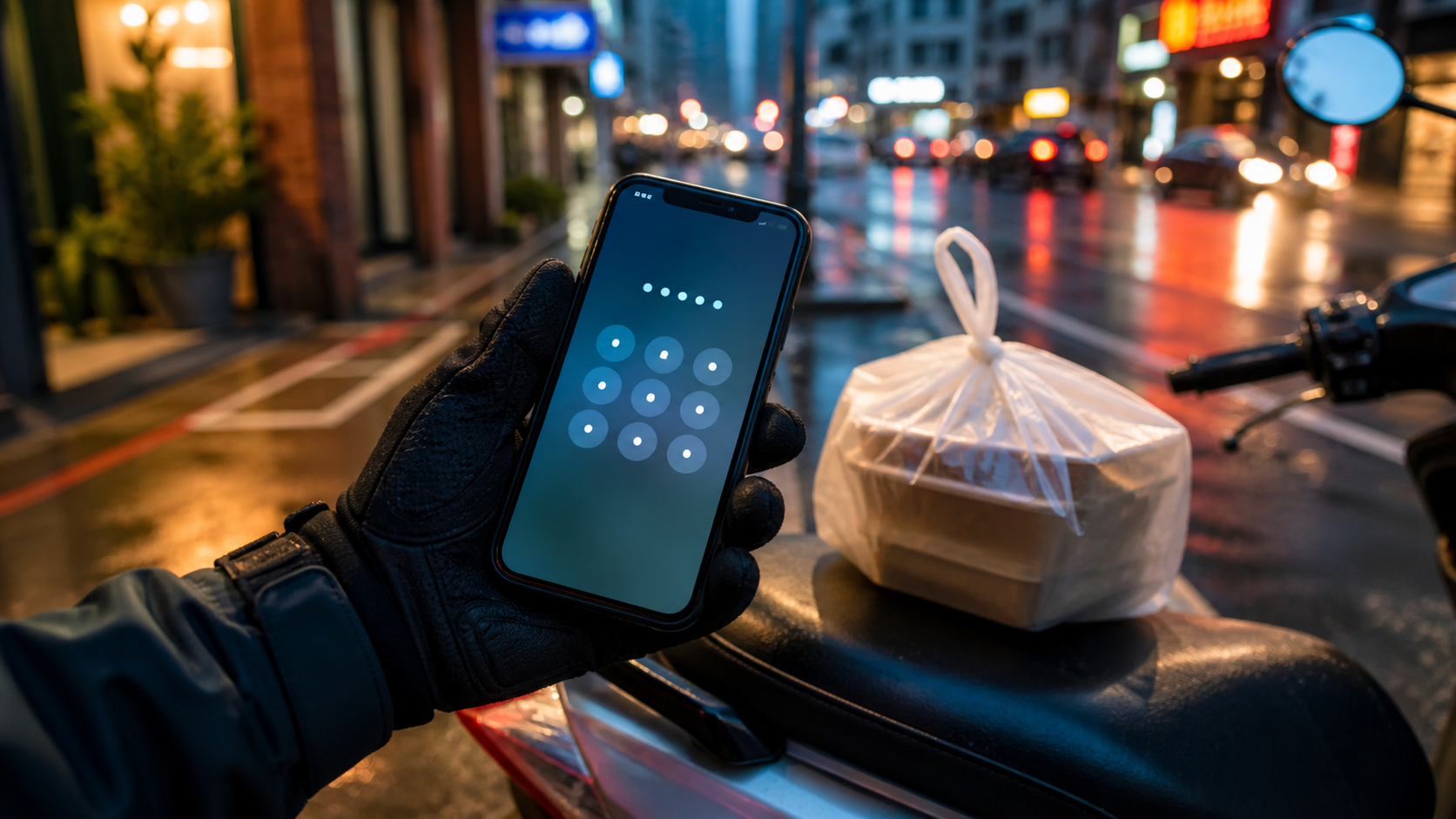

A PIN code is a verification method that may appear for some orders at the time of delivery; however, whether it is displayed, when it must be entered, and the on-screen process are all determined by the specific app being used. This article does not provide methods for “skipping” or bypassing the verification mechanism, nor does it establish fixed rules regarding the four-digit code, the customer’s screen, or account requirements.
If a PIN appears on the order, please follow the app’s instructions after safely completing the delivery. If the guest cannot find the code, there is a dispute regarding the meal delivery, or there is a network outage, save the order screen and use the “Help” option in the app. Uber’s feature descriptions and support portal are subject to the official delivery partner guidelines and the current account screen.
Most importantly, do not ask customers for unnecessary personal information just to complete an order, or skip the platform’s delivery confirmation process by following online tutorials.