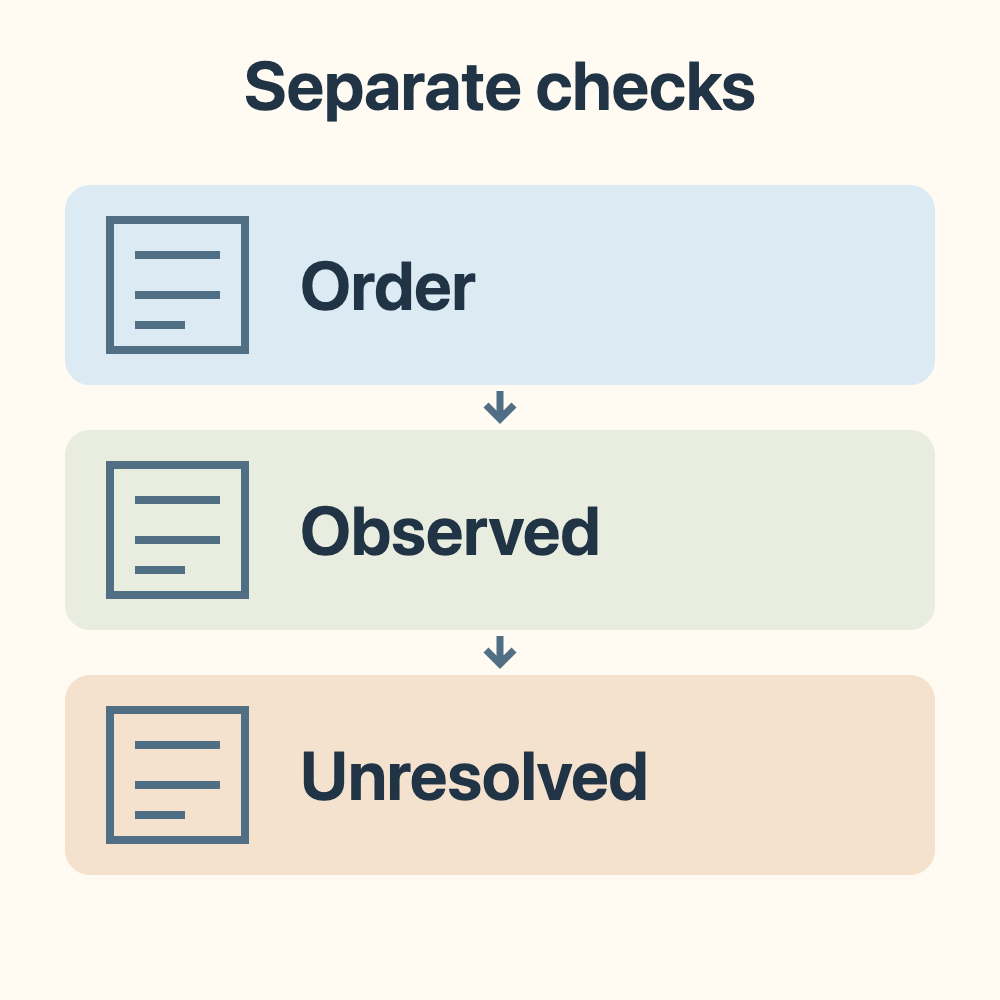

When preparing an Uber Eats application, separate what the platform requested, what you submitted and what is still missing. That is more useful than copying someone else's activation timeline. This article was prepared on 26 October 2026. We did not reverify Uber's current application conditions, so figures from an older article cannot guarantee your eligibility, activation date or reward.
Start a list of items to check: current age requirements, city and delivery method, identity and permission to work, document types and acceptable issue periods, fees and equipment, review time, and eligibility for new-applicant or referral offers. All remain unconfirmed in this review; this article cannot fill in the answers for you. The original general Uber Taiwan application entry identifies the address previously cited, but its current content and availability were not checked. An old article or social-media screenshot is not the same version as your own application screen.
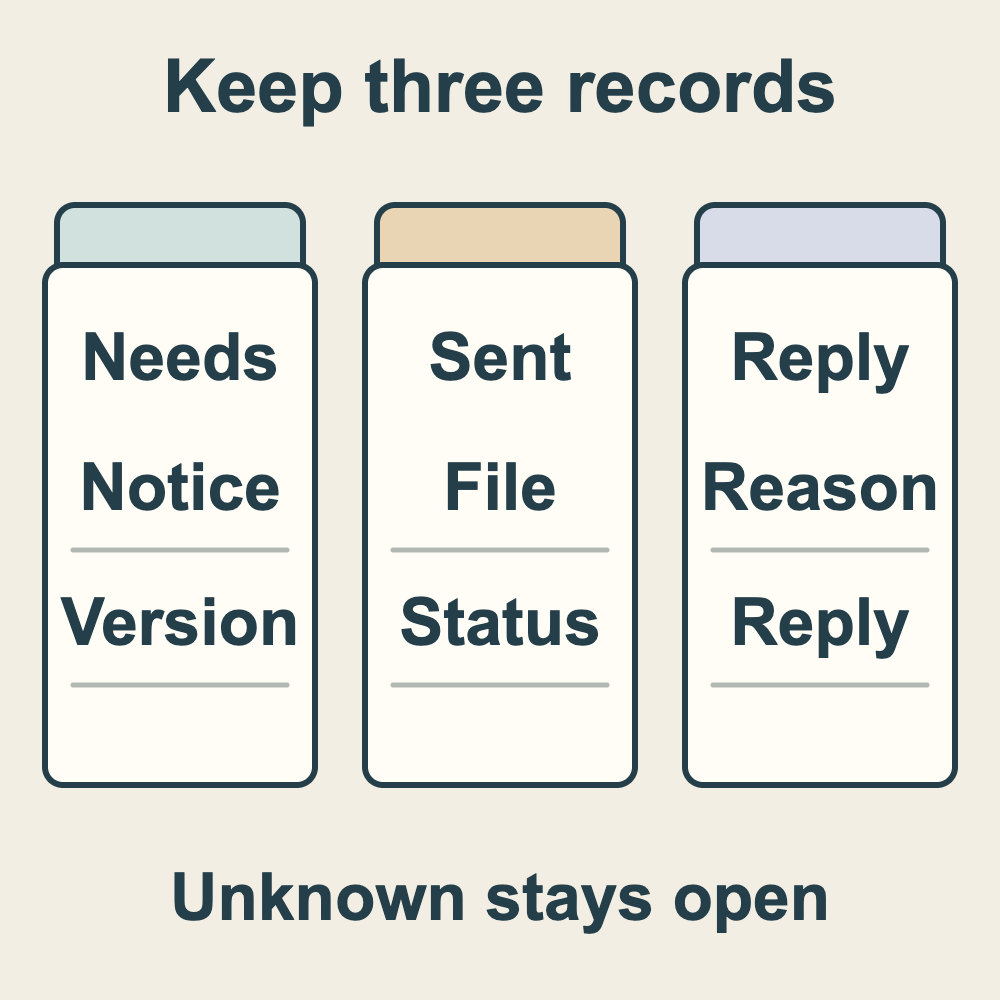
The first timeline records official requirements. For each notice you actually receive, note its date, source page or message, applicable city and delivery method, exact document name, and required version or issue period. Leave an absent or unreadable field unknown: it means neither that the item is unnecessary nor that it is definitely required. If two notices differ, keep both texts and their times, then ask which applies to your application. Do not combine them into an invented rule.
The second timeline records your submissions. For each requested item, record obtained, still to obtain, submitted, or submission unconfirmed, with dates and a file version or private reference you can recognize. These are your own record categories, not claimed App menu labels. After sending a file, separately record any actual submission-success message. Government issuance, payment, or pressing Upload does not mean the platform accepted it.
The third timeline records requests for more information and replies. Note the item requested, the original reason, notice date, deadline if one is stated, resubmission date, and the review status actually shown later. An overall progress indicator does not prove that every document passed. If no deadline is specified, do not supply a number of days from an old guide. Keep waiting items marked as waiting; do not register again or enter guessed information to see whether the next step opens.
For a gap, you can prepare this question: ‘My application uses city/delivery method __. I received a notice dated __ for document __. Its exact requirement is __. I have obtained/submitted __ and am still unsure about __. Please confirm the applicable requirement, an acceptable next step and which notice's deadline applies.’ This is an editorial fill-in example, not a support reply or an agreement to extend a deadline, waive a document or activate an account early. Record the time and wording of an actual reply; unanswered parts remain unconfirmed.
If your actual requirements include Taiwan's Police Criminal Record Certificate, keep obtaining the certificate separate from platform acceptance. The NPA certificate FAQ (Chinese and English) and online-application notice (Traditional Chinese) explain the channels for applications made in Taiwan: nationals with household registration must complete MyData identity verification and online payment for an online application to be established; nationals without household registration and foreign nationals use the counter channel. Overseas applications have separate channels and requirements outside this summary; consult the official FAQ. These are government application channels, not Uber's document-acceptance decision. Use the certificate production, receipt and platform follow-up timelines to record agency progress, actual receipt and platform notices. General processing time cannot be used to infer an activation date; receiving a certificate does not mean the platform accepts its version or issue period.
If your own process also shows a course, consent procedure, payment-receiving setup, equipment or a payment requirement, list each separately and check its content and completion evidence against the actual notice. Sending documents does not complete those other steps. Fees, cash-order features, bags and referral offers were not verified here. This article does not instruct you to buy equipment, pay through someone else, transfer money or enter an invitation code, and supplies no LINE or private-agent contact.
Provide only the information needed to resolve that gap, through a contact channel identifiable from your own official application process. Do not give strangers on social media passwords, one-time codes, complete financial information or entire identity documents. If payment, submission or a redirect has an unclear result, retain the transaction/submission proof and screen status you already have, then ask. Do not make repeated payments or applications as a test. We have not viewed your account, submitted documents or tested your application; this record cannot establish eligibility or approval.
After documents and other requirements receive actual replies, plan the next step from the result truly shown in your account. Someone else receiving an order does not prove your account is usable. Find related application and notification articles in the Uber Eats guide category; compare statements from different dates against your three timelines. This is a method for organizing gaps, not a complete current eligibility list, income estimate or activation guarantee.